
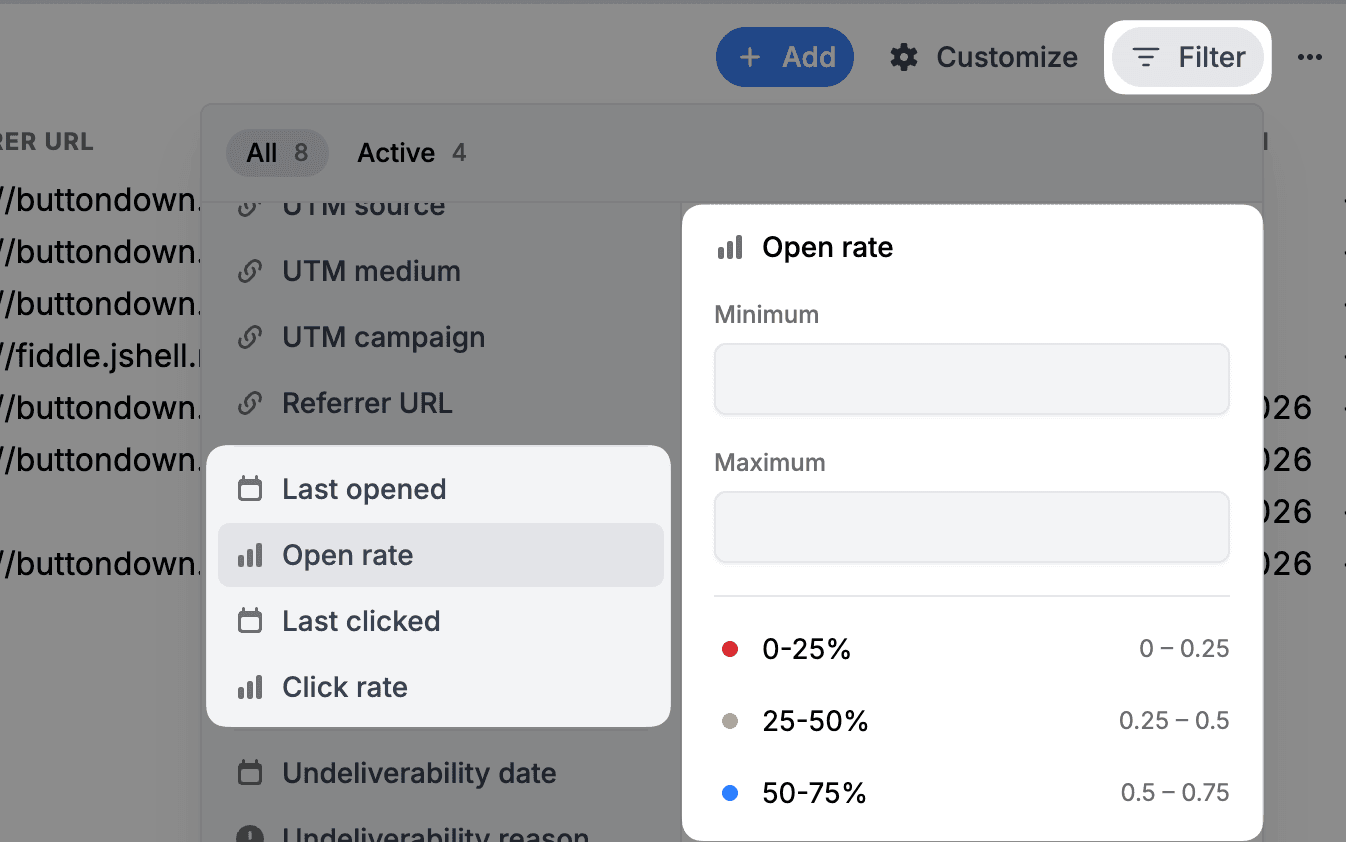
You were already able to see open and click rates for individual subscribers, but finding patterns across your entire list meant a lot of scrolling and squinting. Now you can sort and filter your subscribers page by email open rate and link click rate, making it easy to zero in on the subscribers you're looking for.
Want to find your most engaged readers? Sort by open rate, descending. Curious who's clicking through to your links? Sort by click rate. You can also filter by range: say, everyone with an open rate above 50%, or subscribers who haven't clicked a single link.
You can now also use this metrics to filter the audience you're sending an email to. Just select "Custom..." in the "Publish this email" drawer to add open/click rate filters.
A few ways this comes in handy:
- Sort by click rate to find the readers who are actually acting on your content. Great candidates for a survey, a referral ask, or early access to something new
- See at a glance whether your list skews highly engaged or if there's a long tail of subscribers who signed up and disappeared
These rates are also now available in the Subscribers API, so you can sort and filter programmatically too -- handy if you're building automations or syncing subscriber data with other tools.